Layer problem
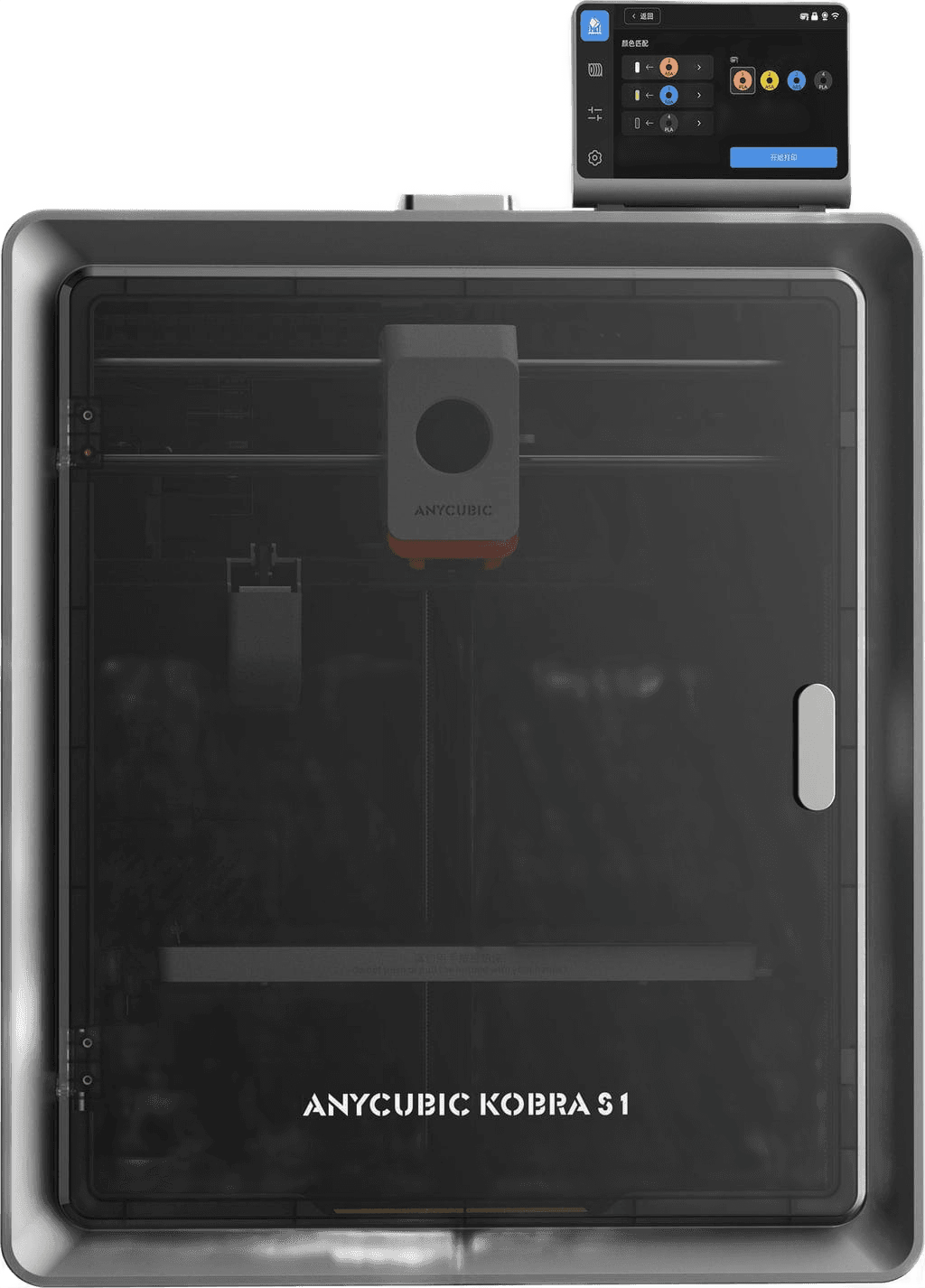
Printer Anycubic Kobra S1, standard nozzle. my printer is a week old and already driving me up the walls. Bottom was 1st print, at top I adjusted Z offset to - 0.05, that improved the base layer, but now it's fussing on the second layer.
I have printed the same exact file before, no problems. What could be the issue? I printed a second Bnechy, it's not way off to my very fist but I noticed a slight deterioration. I've printed a total time of 28h
I Ran The Kobra S1 Non-Stop for 6 Weeks - Here's What Broke!
The creator conducted a 6-week, 1000+ hour long-term review of the Anycubic Kobra S1 Combo, highlighting its performance, ease of use, and significant firmware-related issues that led to print failures. While acknowledging improvements since launch, the video focuses on the frustrating quirks and hardware failures encountered under heavy use.
Buy new printer or keep my old printer?
I ditched my og cr10 for an anycubic kobra s1. It took me about 12 hours of feeling like "hey kids get off my lawn" to "hey chat this is a w for ya bitch" lol. It's closed ecosystem versus fully modded out printer-of-thesus and I'll have to get used to this... But prints are phenomenal and it's fast as hell too. Had it under a week and only half a roll in, and I've finished 4 custom fixes for stuff around the house or custom brackets etc. Feels good, like getting a new car after driving a 1986 civic for the last 20 years.
⭐ ANYCUBIC KOBRA S1 VS CREALITY K1C ⭐ | COMPARISON
The Anycubic Kobra S1 is a high-speed FDM printer featuring a CoreXY system, an enclosed build chamber, and a focus on multicolor printing with an integrated filament dryer. It's ideal for standard materials and vibrant multi-color models.
Avoid the Anycubic Kobra S1 Unless You Want to Become Your Own Repair Technician
I am extremely disappointed with my experience owning the Anycubic Kobra S1. I bought this printer to get into the 3d printing hobby for beginners, and instead it has spent weeks sitting useless while Anycubic support repeatedly told me to take the machine apart and perform repairs that should never be the customer’s responsibility. My printer has less than 35 hours of use and began failing with error code 10409. Instead of honoring their warranty by fixing or replacing a defective unit, Anycubic insisted that I dismantle the printer, check cables, replace boards, install firmware, export logs, and swap out major components myself. At one point they even said, “Don’t worry, we are responsible for every customer who buys our printer,” while simultaneously expecting me, someone with no training in electronics repair, to do the work of a technician. Support repeatedly asked for the same information I had already provided and kept sending me links to disassemble guides and Google Drive folders, but never offered a real solution. After weeks of back-and-forth, the printer still does not work, and their “solution” is to ship individual parts so I can attempt a repair that risks causing even more damage. No customer should have to replace motherboards, adapter boards, or signal cables on a brand-new machine just to get it to function. I purchased directly from Anycubic, expecting reliable support and a working product. Instead, I received a $450 paperweight and a support process that left me unable to complete the projects I had planned. If you are considering the Anycubic Kobra S1, be warned: If anything goes wrong, and it will, you will be the one doing the repairs, no matter how complex, because Anycubic will not replace the printer. Save yourself the frustration and choose a company that will actually repair its own products.